

Poll Your Students
You can ask a question in your Lessons tool.
First make sure you have the Lessons tool added to your menu.
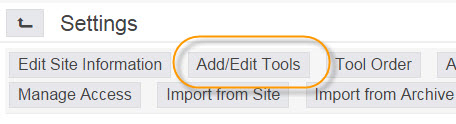
- Go to Settings > Add/Edit Tools >
- Check Lessons checkbox > Continue > you can customize the name, for example “Student Poll” > Continue > Finish

To add a question or poll, click on your new tool in the menu.
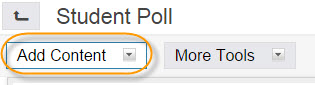
- Click on Add Content > Add Question
-
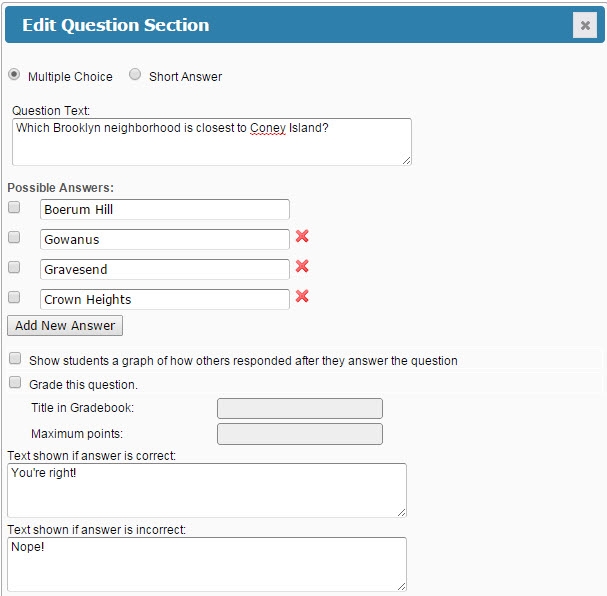
Set the parameters that are appropriate for your question > Save
-
An example of a multiple choice question:
-
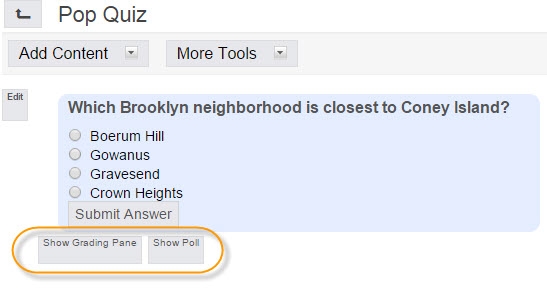
You can decide whether or not to show the poll or grading pane to the students.
Students can now log in to NYUClasses and answer the question.